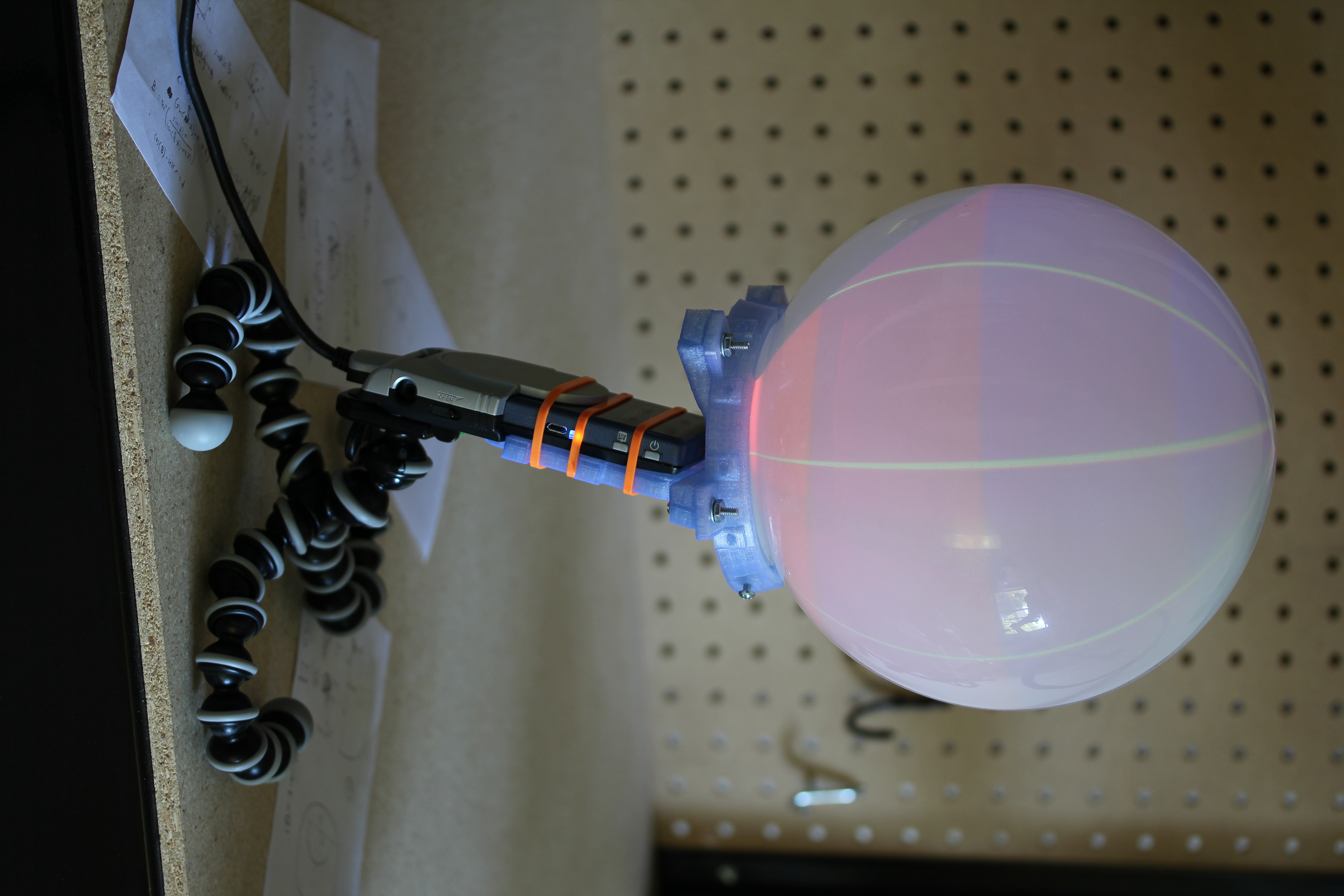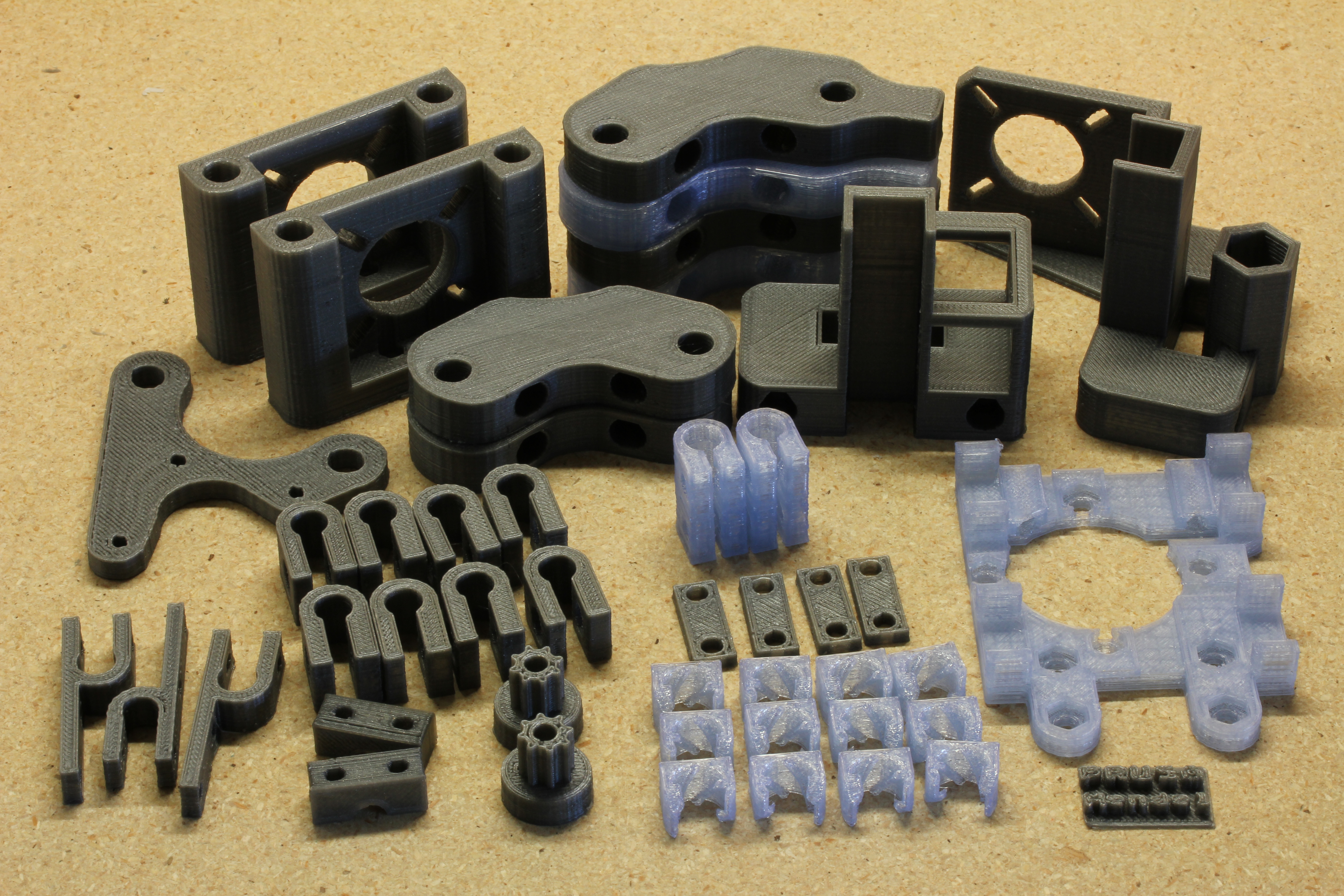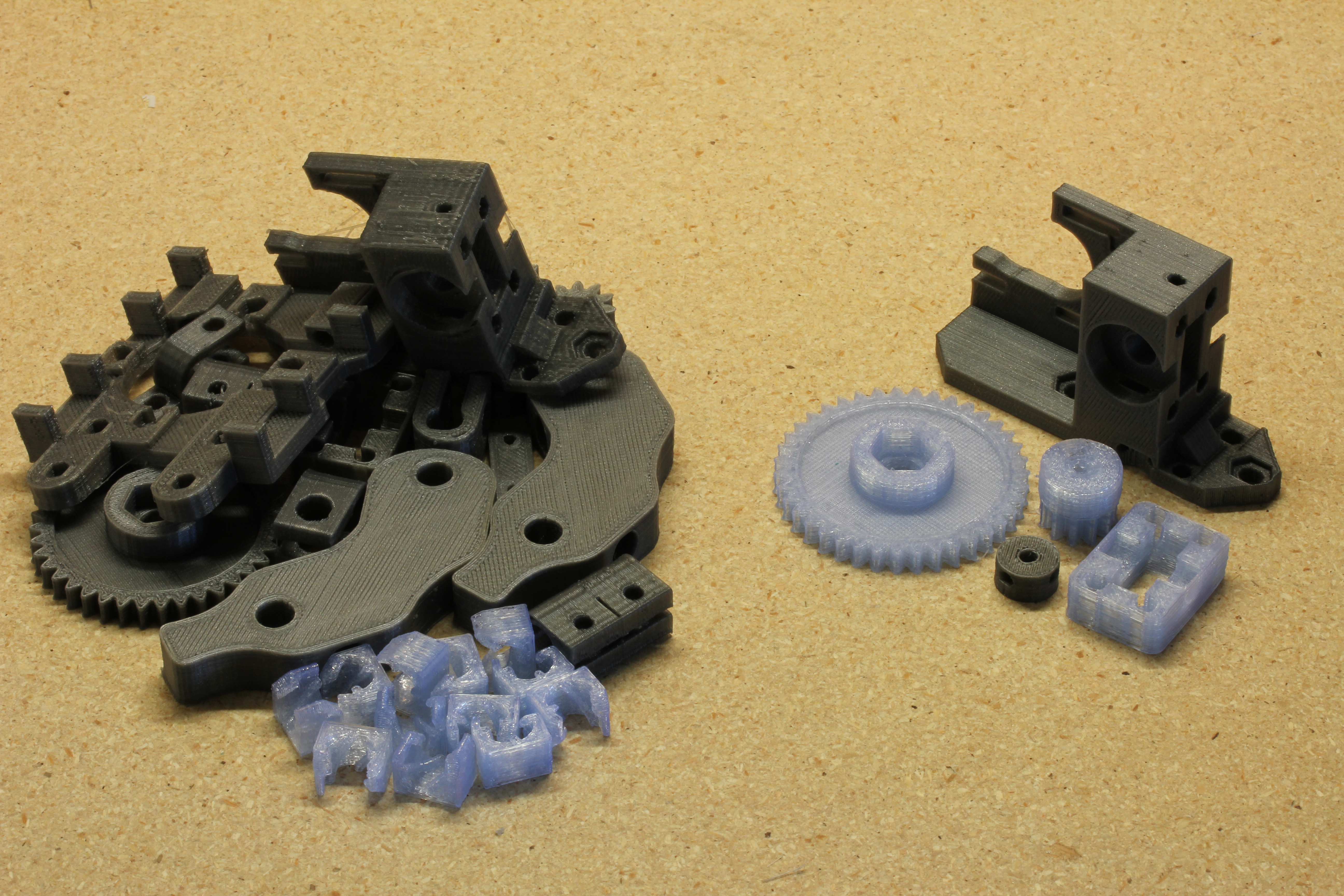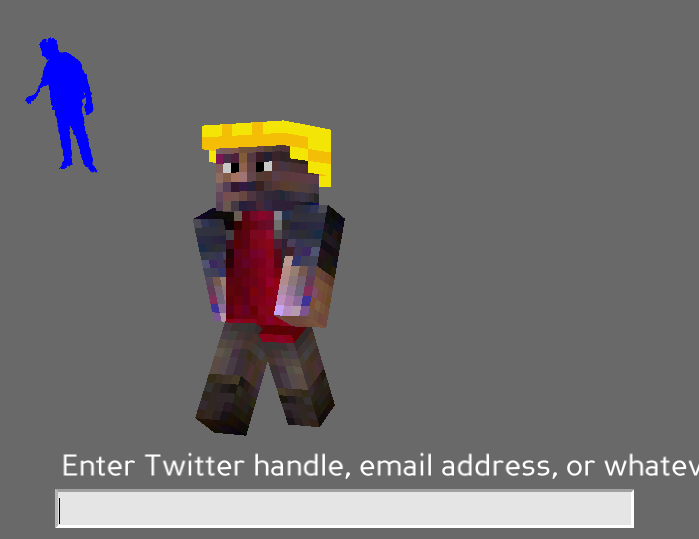
The title of this post is almost too thick with geeky goodness. This past week, the ECE department at CMU held the kind of event I’ve been dreaming of for years: give a bunch of students free parts and access to labs and see what happens. The event was called build_18 (sorry, no public site at the moment), and was the brainchild of Boris Lipchin. There were some pretty amazing projects, like a laser guided Nerf chain gun.
My roommate, Donald Cober, and I were planning on bringing back an old idea we never finished, a multimeter glove. We decided that wasn’t difficult enough though, and added the killer feature of being able to stream data back to a computer for logging and display. We had XBees left from the Wand project, so a serial point to point link using them was the logical choice. We planned to read DC voltage, current, resistance, and temperature, and be autoranging on the first three. Due to finals and catching up on a semester of missed sleep, we didn’t start the project until the morning before build_18 ended, so we had to drop the glove, ignore the onboard LCD (scavenged from an HP Laserjet), and focus on just getting voltage right. Donnie had planned to build a Lithium Polymer battery board for Arduino, but we ended up having to power it off of Solio solar chargers that we won at a Yahoo University Hack Day last semester. The multimeter itself is basically just a quad op amp, a few resistor networks, and some zener diodes sitting on an Arduino protoboard shield plugged into an Arduino Diecimila. It actually worked quite nicely. It is accurate from about -20 to 20 V and samples at about 2000 Hz, enough to see a nice sine wave on 60 Hz AC.
We are planning on finishing the other three data lines and getting the LCD working, so I will post again later with working schematics and an Arduino sketch. I’m not going to leave you with nothing though. The plotting app on the computer end is reasonably complete. We used matplotlib with threading to avoid losing data. It is fairly specific to our hardware, but it can at least serve as an example of how to do real time plotting in python.
Over the last semester, my 18-549 group of Adeola Bannis, Claire Mitchell, Ethan Goldblum, and I has designed and prototyped a magic wand for theme park patrons to use for group games while waiting in long lines. The initial idea of a crowd interaction device (and several thousand dollars of funding) was provided by Disney Research, but we ran with the concept, adding ZigBee wireless networking, an accelerometer, IR tracking via webcam, location based gaming, and so on. We also wrote a few proof of concept games to go along with it. I lost more sleep over this class than any other I’ve taken, but I learned quite a bit more as well.
The hardware is based loosely on Arduino, and we used their bootloader. The software is a modified xbee-api-on-arduino library and code to interface the hardware. The wand consists of an ATmega168, a 3-axis analog accelerometer, a Series 2 XBee, power and lithium ion charging circuitry, a 1400 mAh lithium ion battery, a very highly mediocre button pad, an RGB LED, an IR LED, and an incredible enclosure that Zach Ali at dFAB designed for us. We went through a few hardware iterations before settling on this. The prototypes we built are probably around $60 each in parts, but dropping the XBee for a basic 802.15.4 IC and buying in bulk would drop it below $20. Our goal was to have the wand last a week long theme park visit without needing charged. Our current implementation doesn’t put the XBee to sleep, so it would last around 24 hours of constant use. Sleeping, we would reach about 9 days, surpassing the goal. Swapping out the XBee would also cut current draw in half. Wands can be charged over USB mini (yay for not using proprietary connectors!).
Perhaps the hardest part of the project was devising the network architecture and choosing where the divisions were between wand, server, and game. In general, the underlying network is abstracted completely away from both the wands and the games. The wands are simply advertised games that they are within range to play, and the games are sent joins when the wand joins the game. There are wand and server side timers to make sure that wands are never stuck inside a game if someone walks out of range of the network.
The server tracks all joins and parts from games in a database, and there is a web based interface to allow for user tracking. Perhaps my favorite simple gee-whiz feature that we added is remote battery level tracking. Each time a wand joins a game, its battery level is logged, which is displayed in the web interface. As the wands also have “display names” associated with them, it would be possible to tell someone, in game, that their battery level is low, if they ignore the red low battery LED on the wand.
The server is written in Java, using xbee-api to talk to wands and Google protobuf to serialize data to give to games. We wrote client side networking libraries for Java and Python. The games we wrote were mostly proof of concept to demonstrate the range of possible uses of the wand hardware.
The game below may look familiar. I have stated probably multiple times that I would never touch RocketPong again, but it always manages to pull me back in. In this variant, when a user joins the game, the star on their wand lights up with the color of their team, and their name appears next to their rocket. They then tilt their wand up and down to control the thrust of the rocket. The values between players on a team are averaged, so everyone on the team needs to cooperate if they want to win. It ended up being a lot of fun, and was probably the most popular game during our final demo. You can’t tell in the image below, but the star field in the background reacts to and collides with the ball, using the Lepton particle physics engine.
I also wrote a drawing game that uses the IR LED and a PS3 Eye modded with an IR filter. We had originally used floppy disks for the filter, but we eventually got the correct IR bandpass filter for our LEDs. I am really pleased with the PS3 Eye. It is the only webcam I’ve seen that can do 60 fps VGA in Linux, and it also works beautifully with Pygame’s camera module. The game is just a basic virtual whiteboard, allowing people to use their wand as a marker. Pressing the buttons on the wand changes the color being drawn. The whiteboard slowly fades away to white, erasing old drawings as the line moves on. I had hoped to allow for multiple people to draw at the same time, but ran out of time.
During our final all-nighter, I quickly wrote a music app using the new Pygame midi module. On joining the game, a user selects one of five instruments. For the two percussion instruments, the user can shake the wand like a maraca or hit like a drumstick, using the accelerometer to trigger sound. The other three instruments use the button pad to play notes. Just because I could, this game also uses Lepton to shoot off music notes every time someone plays one. This game is a really watered down version of a project called Cacophony that I will be developing farther when I have time.
We also had a trivia/voting game, and a cave game clone, which I did not write.
I doubt the project as a whole would be useful to anyone else out there, but individual chunks of it surely are. You can get code, schematics, documentation, and assorted other junk for the entire project at our gitorious repo. Note that parts of it probably don’t function, and much of it requires a very specific set of libraries. If you are really interested, I would be happy to help you use what you want of it. The licensing of just about everything is pretty murky, so talk to me first if you are planning on publishing anything based on this.
I have probably stated in the past that I don’t do 3d. As of a few months ago, this is no longer accurate. Between Deep Sheep, a computer graphics course, and a computer animation course, I have grown an additional dimension. This dimension is now bearing dimensional fruit.
After watching Coraline in 3d over spring break, I became obsessed with the possibilities of 3d. Of course, as a student, I can’t quite afford fancy glasses or a polarized projector. My budget is a bit closer to the free red/blue glasses one might find in a particularly excellent box of cereal. Searching around the internet, and eBay specifically, I came across a seemingly voodoo-like 3d technology I’d never heard of: cardboard glasses with clear looking plastic sheet lenses that could turn hand drawn images 3d. This technology is ChromaDepth, which makes red objects appear to float in air, while blue objects seem to recede into the background. Essentially, it uses prisms to offset red and blue light by different amounts on each eye, giving an illusion of depth as your brain attempts to perceive it. So, creating a ChromaDepth image is just a matter of coloring objects at different distances differently, which is something computers are great at!
Of course, I am far from the first person to apply a computer to this. Mike Bailey developed a cool solution in OpenGL a decade ago which maps an HSV color strip texture based on the object’s depth in the image. The downside there is that objects can no longer have actual textures. Textures are pretty tricky with ChromaDepth, in that changing the color of an object will throw off the depth.
I wrote fragment and vertex shaders in GLSL that resolve this problem. The hue of the resulting fragments depends only on the distance from the camera in the scene, with closer objects appearing redder continuing through the spectrum to blue objects in the distance. The texture, diffuse lighting, specular lighting and material properties of the object set the brightness of the color, giving the illusion of shading and texture while remaining ChromaDepth safe. My code is available below. Sticking with the theme of picking a different license for each work, this is released under WTFPL. I can’t release the source of the OpenGL end of it, as it is from a school project. It should be fairly simple to drop into anything though. You will need ChromaDepth glasses to see the effect, which you can get on eBay or elsewhere for <$3 each.
Here is another Game Creation Society competition entry I wrote in an evening. The theme was “reflection”, and I took it literally. The game generates a jagged and changing world based on what a webcam sees. This of course, means that it requires a webcam supported by the Pygame Camera module, which should be just about any USB webcam that works in Linux.
In the game, you must steer the heart across the treacherous world without colliding with anything. If you do, you start back at the beginning. If you succeed, the heart gets bigger and you start again. Note that in many cases, the worlds generated will actually be impossible, just like real life.
The game uses the latest Pygame out of SVN, so I compiled it and included it locally for those who don’t have it.
I spent last weekend at the Entertainment Technology Center (ETC) for the Global Game Jam, designing and programming a game about sheep. The process of coming up with a game concept in our team of 7 randomly thrown together geeks (though we ended the weekend with 5 [attrition, not cannibalism {though I did get pretty hungry from all the coding}]), was quite a whirlwind. Somehow we started at a blob of mercury and ended with a dream in which you control an alarm clock being chased and covered by bouncy sheep. The premise is that you’ve fallen asleep counting sheep, which follow you into your dream. The sheep try to keep you in the dream forever by smothering the alarm clock and preventing it from ringing. To win, you must knock all of the sheep off of the clock by ramming into obstacles or falling from heights, and then quickly roll back to the bed before any sheep catch up and reattach. It plays a lot like a reverse Katamari Damacy, though that was not necessarily the intent.
This is the second time I’ve done a 3d game, and this one came out far better than Robobear Apocalypse, an entry for the Wild Pockets Game Jam. The engine this uses is Panda3D, another product of the ETC. It was actually quite nice to learn and use, and I was impressed by how well it worked cross-platform. It helps that it uses regular old Python instead of proprietary languages that seem to be all the rage in game engines today. I also learned just how nice it was to have modellers/animators on a game project. Finally a game that isn’t made up of spheres, cubes, and stock models!
You can download the game on its Global Game Jam page. The .zip on that page contains the source and a Windows installer. You can also run the source directly in Linux or Windows if you have Panda3D installed. It seems most distros have it available in their repos, but if not, there are packages downloadable at the Panda3D site. It’ll run ok on just about anything that isn’t integrated graphics. The game isn’t perfect and certainly isn’t bug free, but it is a fun light hearted experience and the result of only 48 hours of work.
I wasn’t planning on touching this one button game again, but I have one last improvement: removing the button. RocketPong is now a zero button game in which the player’s rocket thrust can be activated by yelling into the microphone. It feels… kind of right. I tried making the thrust relative to the loudness, but it felt less smooth.
I did this mainly as a proof of concept for a bigger and better future game idea. It is a game that will be controlled by voice input and hand gestures. The player yells into the microphone to recharge his or her ammo and makes shooting noises (pew! pew!) to fire. The player’s hand, closed into a gun shape, will control the crosshair on screen to target enemies. The game will probably be quite frustrating to play, but hilarious to watch other people play.
This version of RocketPong uses some code from CShadowRun in an Ubuntu Forums thread. It requires pygame 1.8 or newer and python-alsaaudio.
I combined voxel carving and augmented reality to insert 3d reconstructions of real life objects into real life scenes for a final project for 15-463, Computational Photography. There is a more detailed writeup here. It looks kind of bleh at the moment, and it involves a lot of hacked together libraries. I really like the idea of it though, so this is something I’m planning on revisiting when I have more skill in the third dimension.