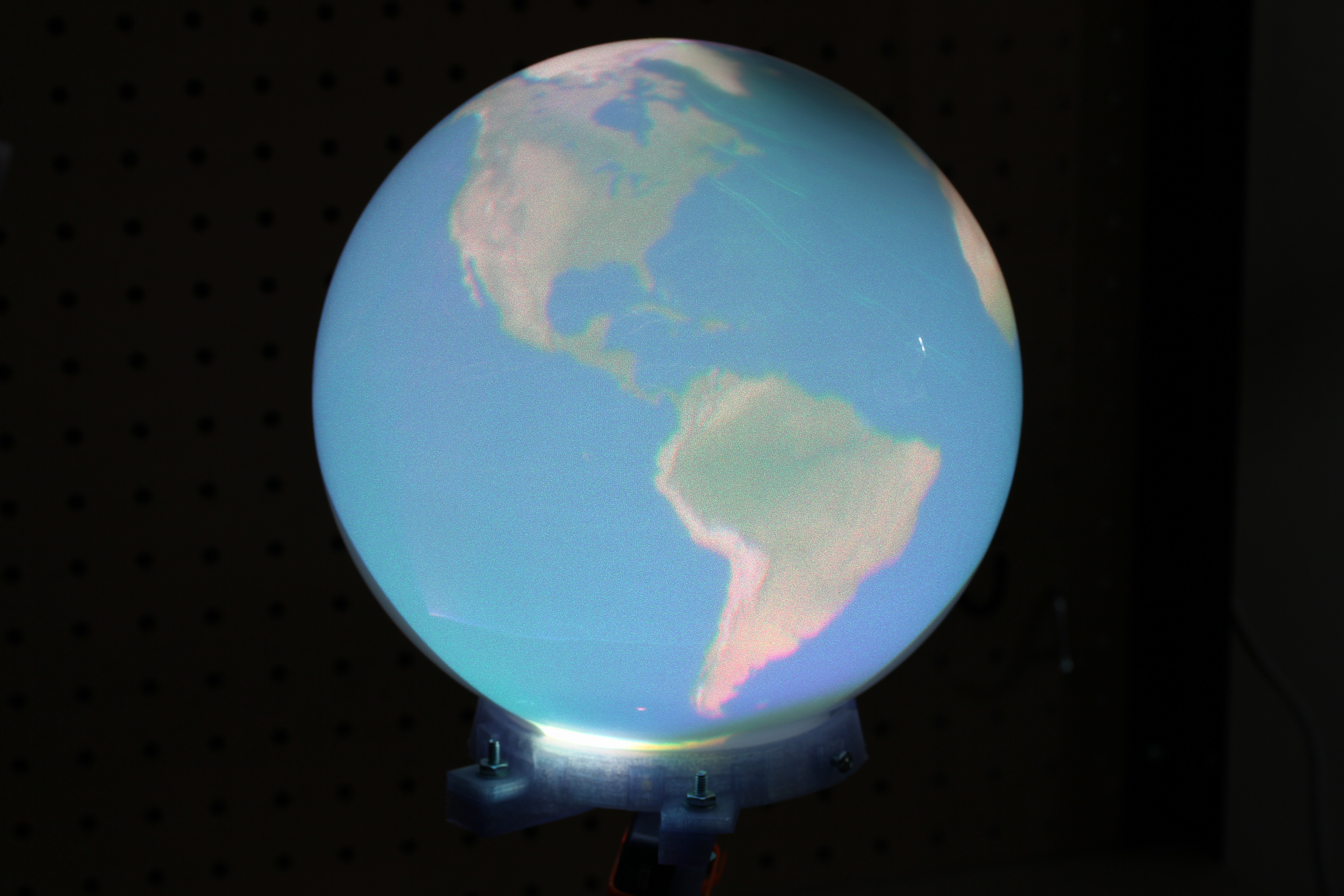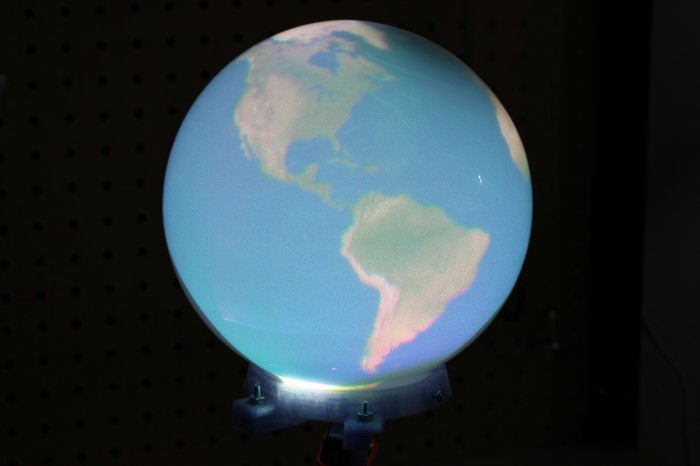
Since reading Snow Crash, I’ve been drawn to the idea of having my own personal Earth. Because I’m stuck in reality and the virtual version of it is always 5 years away, I’m building a physical artifact that approximates the idea: an interactive spherical display. This is of course something that exists and can likely be found at your local science center. The ones they use are typically 30-100″ in diameter and cost enough that they don’t have prices publicly listed. Snow Globe is my 8″ diameter version that costs around $200 to build if you didn’t buy a Microvision SHOWWX for $600 when they launched like I did.
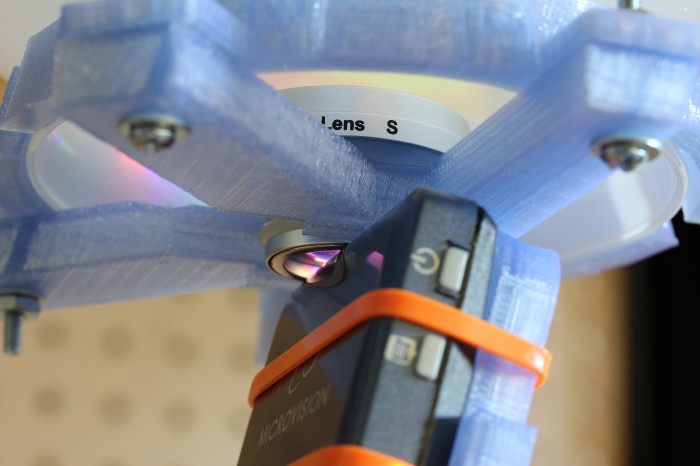
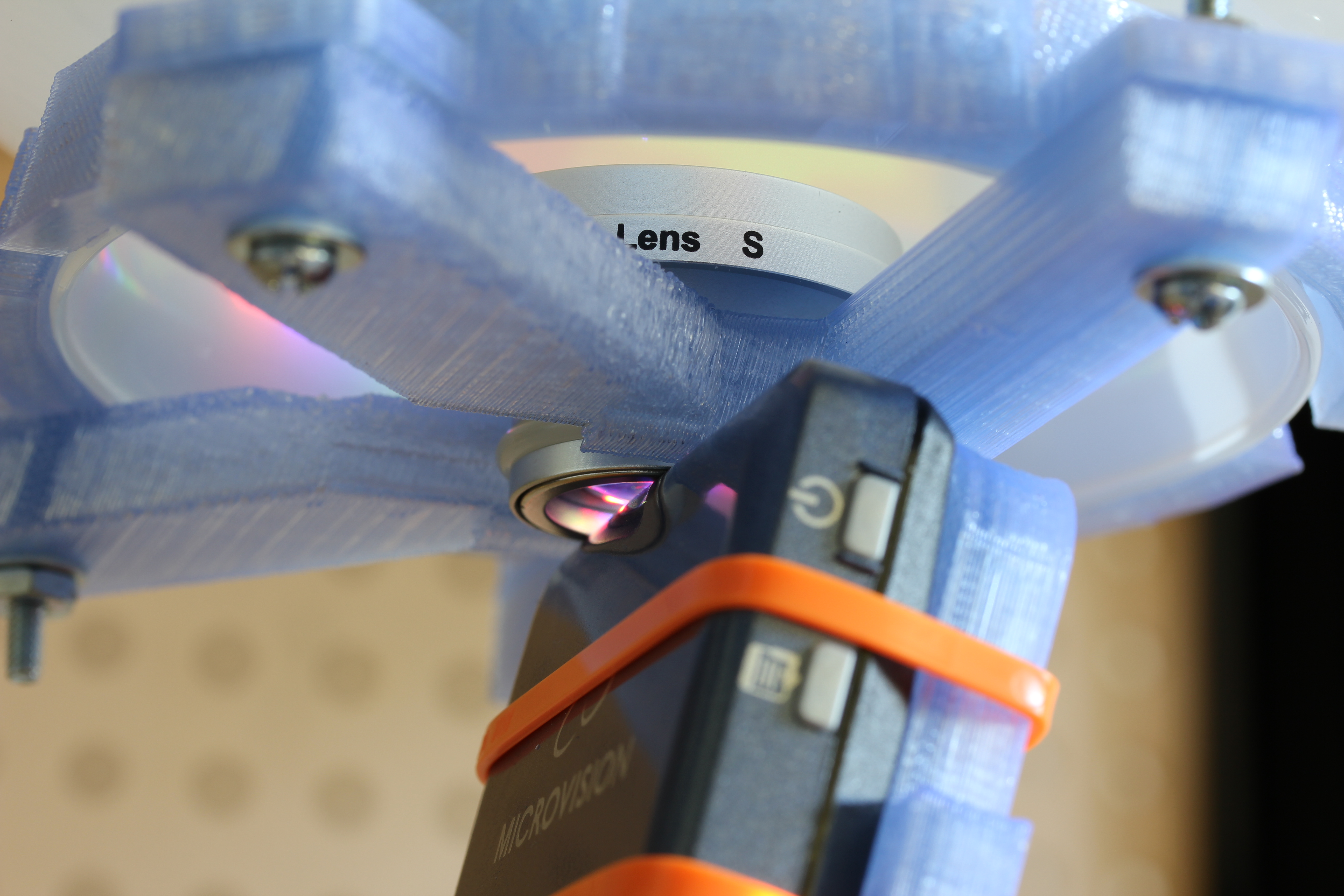
The basic design here is to shoot a picoprojector through a 180° fisheye lens into a frosted glass globe. The projector is a SHOWWX since I already have one, but it likely works better than any of the non-laser alternatives since you avoid having to deal with keeping the surface of the sphere focused. Microvision also publishes some useful specs, and if you ask nicely, they’ll email you a .STL model of their projector. The lens is an Opteka fisheye designed to be attached to handheld camcorders. It is by far the cheapest 180° lens I could find with a large enough opening to project through. The globe, as in my last dome based project is for use on lighting fixtures. This time I bought one from the local hardware store for $6 instead of taking the one in my bathroom.
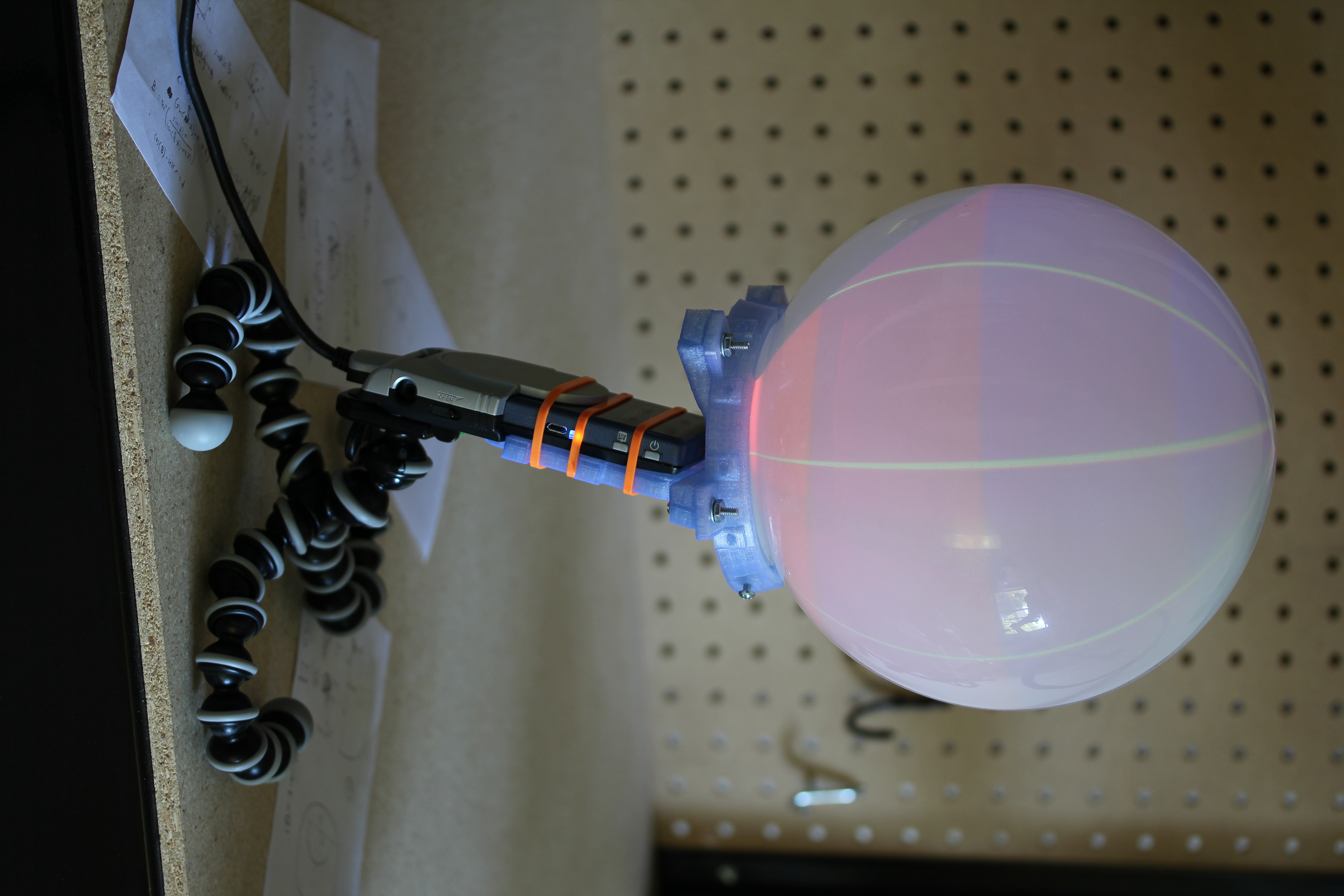
I’ve had a lot of fun recently copying keys and people, but my objective in building a 3D printer was to make it easier to do projects like this one. Designing a model in OpenSCAD, printing it, tweaking it, and repeating as necessary is much simpler than any other fabrication technique I’m capable of. In this case, I printed a mount that attaches the lens to the correct spot in front of the projector at a 12.15° angle to center the projected image. I also printed brackets to attach the globe to the lens/projector mount. The whole thing is sitting on a GorillaPod until I get around to building something more permanent.
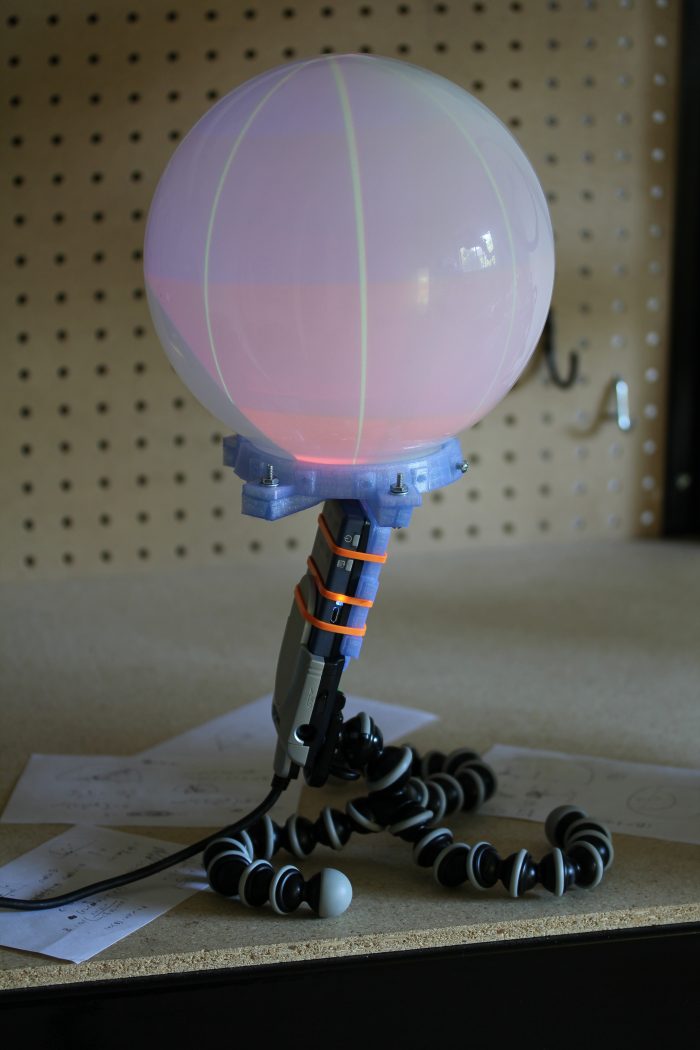
Actually calibrating a projector with slight pincushion through a $25 lens into a bathroom fixture attached together with some guesswork and a 3D printer is well beyond my linear algebra skill, so I simplified the calibration procedure down to four terms. We need to find the radius in pixels of the circle being projected and the x and y position of the center of that circle for starters. The more difficult part, which tested my extremely rusty memory of trigonometry is figuring out how to map the hemisphere coming out of the fisheye lens to the spherical display surface. For that, we have a single number for the distance from the center of the sphere to the lens, in terms of a ratio of the projected radius. The math is all available in the code, but the calibration script I wrote is pretty simple to use. It uses pygame to project longitude lines and latitude color sections as in the image above. You use the arrow keys to line up the longitude lines correctly to arrive at the x and y position, plus and minus keys to adjust the radius size until it fits the full visible area of the sphere, and 9 and 0 to adjust the lens offset until the latitudes look properly aligned. What you end up with is close enough to correct to look good, though as you can see in the images, the projector doesn’t quite fit the lens or fill the sphere. The script saves the calibration information in a pickle file for use elsewhere.
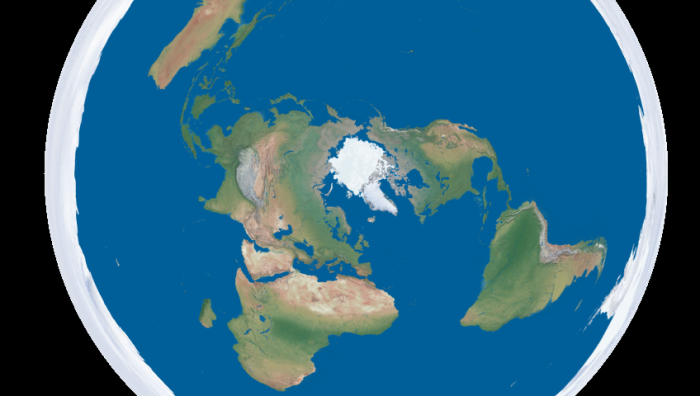
Going back to the initial goal, I wrote a script to turn equirectangular projected maps of the Earth into roughly azimuthal equidistant projected images calibrated for a Snow Globe like the one above. There are plenty of maps of the former projection available freely, like Natural Earth and Blue Marble. Written in python, the script is quite slow, but it serves as a proof of concept. The script, along with the calibration script and the models for the 3D printed mounts are all available on github. I’ve finally fully accepted git and no longer see a point in attaching the files to these posts themselves. I put a Part One in the title to warn you that this blog is going to be all Snow Globe all the time for the foreseeable future. Up next is writing a faster interface to interactively display to it in real time, and if I think of a good way to do it, touch input is coming after that.
Download from github:
git://github.com/nrpatel/SnowGlobe.git